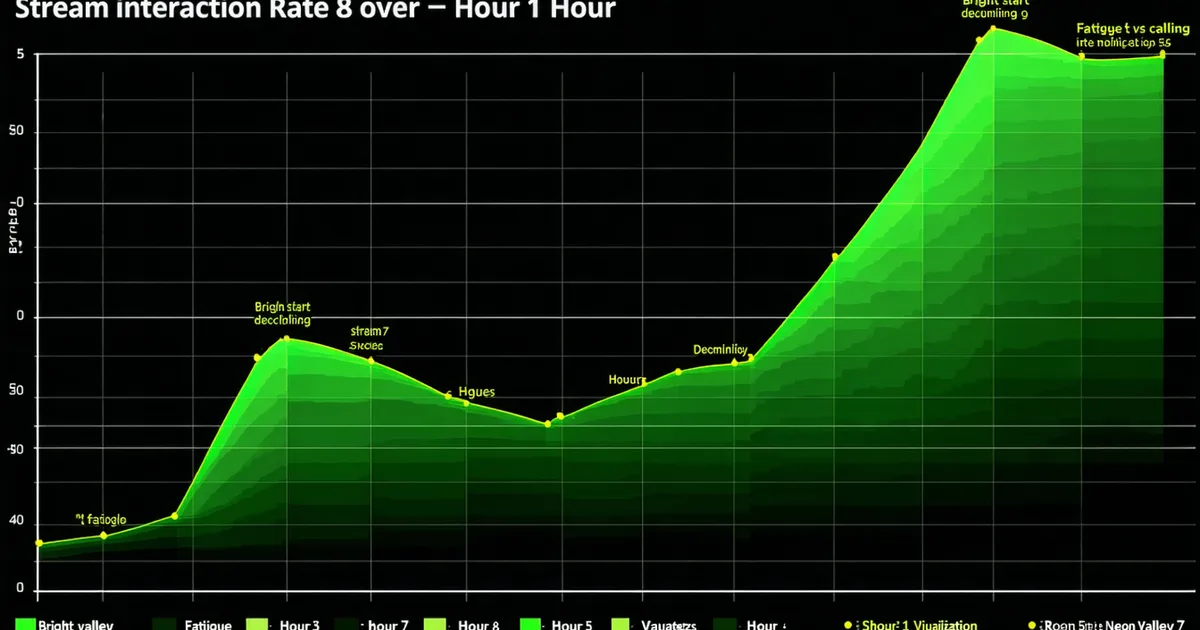
The overlay that works great for a 3-hour gaming stream will actively hurt you at hour 11 of a 24-hour marathon. Not because anything broke, but because the interaction patterns are different: your queue depth is longer, your response capacity is lower, your voice is going, and your decision-making is degraded enough that you'll approve redemptions at 3am that you would have rejected at 3pm. The mechanics of your stream setup need to adapt as the stream ages. Most streamers discover this at hour 9, which is too late to reconfigure anything cleanly.
Having observed how interaction queues behave across extended stream sessions, we've noticed consistent patterns in what changes after hour 8, and what the smart configuration looks like for streamers planning marathons or charity events.
What Changes After Hour 8
The first shift is cognitive, not technical. Decision fatigue is real and it sets in progressively — most streamers report that creative decisions (what to do next, how to respond to a weird redemption, whether to accept a raid) feel significantly harder after 6–8 hours of continuous streaming. This is compounded by the fact that marathons tend to run into low-viewership windows where chat is slower, feedback loops are thinner, and the dopamine hits that sustain energy during peak hours are less frequent.
The second shift is physiological. Voice strain typically becomes noticeable after 4–6 hours of continuous talking. By hour 8–10, most streamers are managing their voice — shorter sentences, fewer screams at game moments, more reading chat silently. Alert sounds that were fun and energetic at hour 2 become grating at hour 10, both for the streamer and for the dwindling live audience.
Queue Backlog: The Hour-8 Problem
Interaction queues backlog for a specific reason during marathons: the rate of incoming redemptions doesn't drop as fast as the streamer's processing capacity. Early hours of a marathon typically have peak viewership and high engagement — lots of channel point redeems, lots of sound effects, lots of chat activity. The queue fills. By hour 8, viewership has dropped (typical marathon viewer curve shows 40–60% viewer drop between peak and the overnight window), but the backlog accumulated during peak hours is still sitting there.
A queue with 25 pending sound effects at hour 2 is fine — they'll fire over the next 20 minutes at a 45-second cadence. A queue with 25 pending sound effects at hour 9 when you're trying to get through the final segment of a game is a different problem. The queue is mechanically correct (FIFO, sounds scheduled to fire) but contextually wrong (you needed the queue to drain hours ago, and now it's firing noise during moments you want quiet).
"A queue that's your best feature at hour 2 becomes your biggest liability at hour 9 if you haven't planned the transition. The marathon setup is different from the regular setup. They need different configurations."
Designing for the Sleep Window and AFK Segments
For true 24-hour marathons, there's typically an AFK window — a period where the streamer isn't actively engaging but the stream stays live, either for regulatory charity rules, viewership continuity, or both. This window needs specific handling from the overlay side.
Blackout Window Automation
A blackout window in Tangia's marathon throttle is a scheduled period where specific interaction types are disabled or reduced. You configure it in advance: "Between 2am and 6am, disable all response-requiring redemptions, set sound effect queue to maximum 1 pending with a 5-minute cooldown, suppress hype train overlay triggers." The overlay stays live (which is what a 24-hour stream needs for the viewer counter to show an active stream), but it's not demanding anything from you during the window when you've stepped back.
This is the configuration most streamers don't set up before the marathon starts, and then they're trying to manually manage their overlay settings at 3am while exhausted. Build the blackout window into the setup phase, not the crisis phase.
Marathon Throttle Settings That Scale
A sensible marathon throttle progression based on stream hours:
- Hours 0–4 (peak): Normal settings — full queue depth, standard cooldowns, all interaction types enabled. This is peak viewership and highest energy.
- Hours 4–8 (sustain): Reduce max queue depth by 50%, increase sound effect cooldown to 90 seconds minimum. You're still engaging but managing your energy.
- Hours 8–12 (late session): Disable response-requiring redemptions, automated interactions only. Alert sounds at reduced volume (via OBS mixer, not just queue settings). Sub goal overlay still active.
- Hours 12+ (overnight/AFK): Blackout window active. Minimal automated interactions. Looping "BRB" scene with a timer overlay if using an AFK window.
- Return from AFK: Manual re-enable — don't auto-enable full queue on scene switch. Check your queue state first and clear backlog before going back to interactive mode.
When to Break the Marathon
This is the part of marathon streaming nobody wants to write a guide about, but it's the most important part: the decision to stop before the goal is hit.
Sub goal deadlines create a specific psychological trap for marathon streamers. The goal at hour 22 isn't hit. Hitting it would require 2 more hours. You have 80 viewers, you're running on fumes, and you know in your body that you shouldn't continue — but the goal is right there. The community has been working toward it. Stopping feels like abandoning them.
We're not going to tell you what the right call is. What we will say is that the streams that leave lasting negative impressions on communities — the ones people remember and talk about in Discord months later — are much more often the ones where something went wrong in the final hours than the ones that ended 2 hours early. A streamer who calls it at hour 22 with clear communication ("I need to stop, I'll finish this goal next week") is making a better long-term community decision than one who pushes through and creates a memorable catastrophe.
The sub goal alternative framework — where the milestone triggers unlock things for the community rather than committing you to more hours — is specifically designed to not put you in that trap. If the goal unlocks a community emote or a raffle, hitting it doesn't require you to stream for another 2 hours. The reward is already built in. Consider designing your marathon milestones so that hitting or not hitting them in a single session doesn't create a personal obligation spiral.
Tangia's marathon throttle settings are available on the Creator tier and let you pre-schedule queue density changes by stream hour. If you're planning a charity marathon or a milestone event, the features page covers the throttle configuration in detail — including how to set up blackout windows before you need them.