Overlay catalog
Every overlay your stream needs
Built for Twitch and Kick. Bolt on in minutes. Looks like you hired a designer.
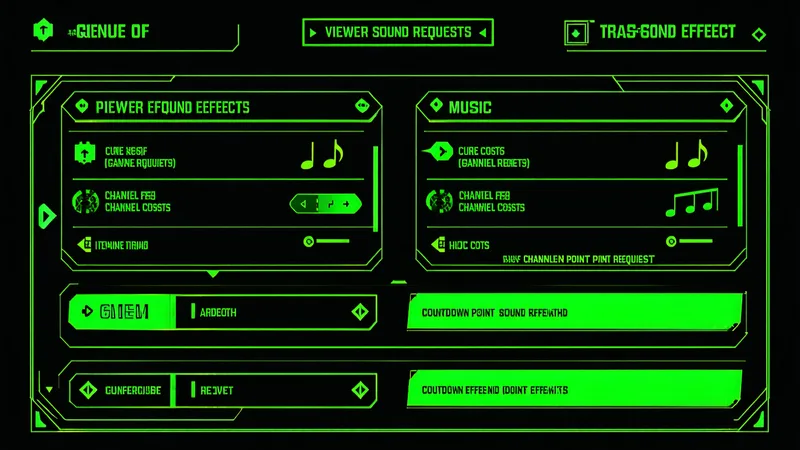
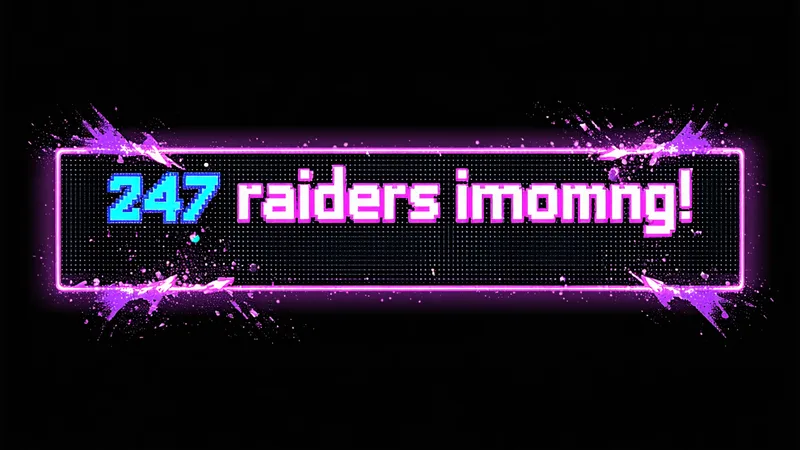
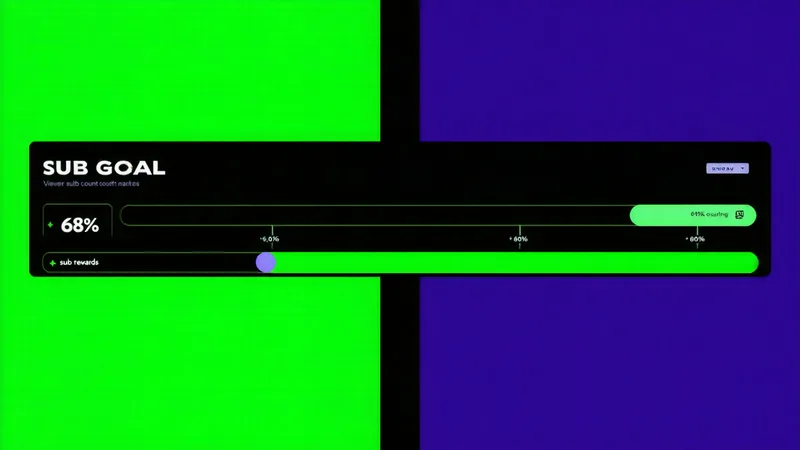
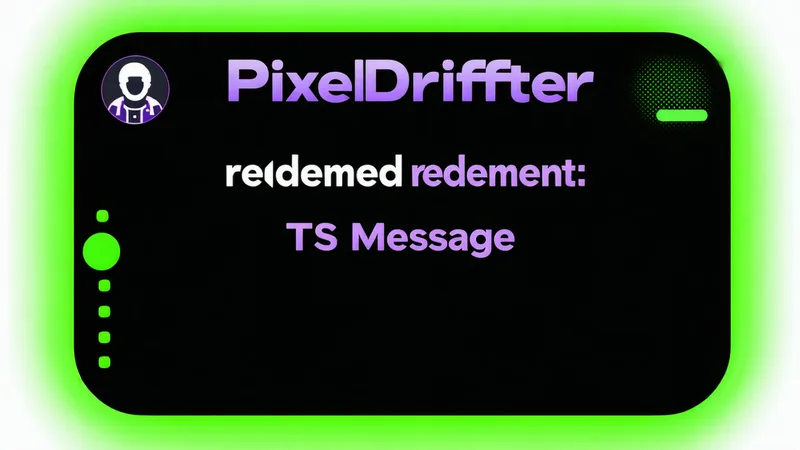
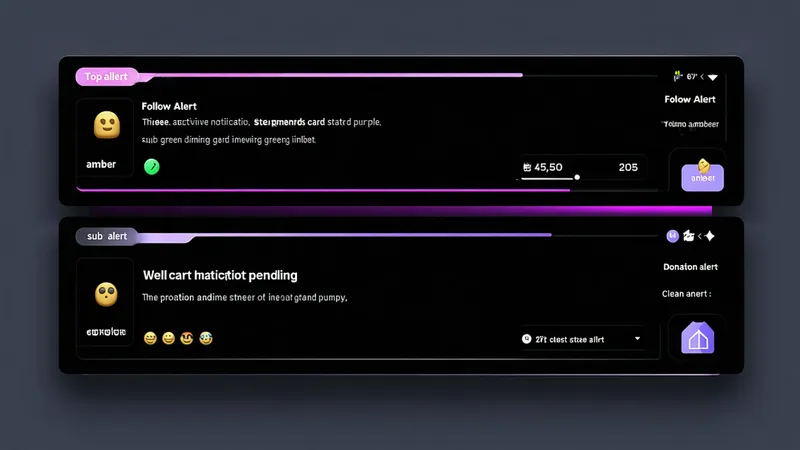
Pick your interaction style
Overlay types
Customization
Make it yours
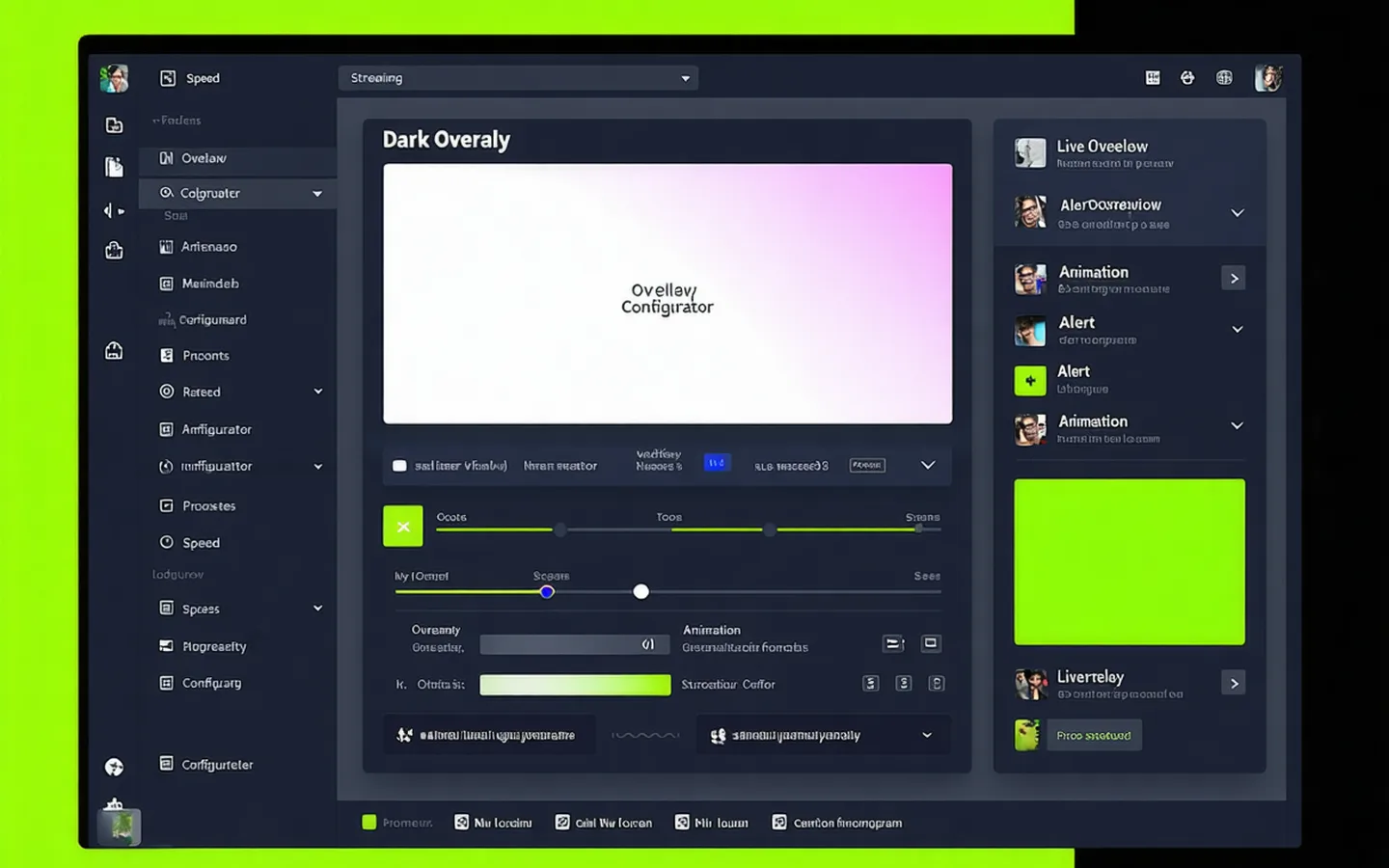
Color picker, font selection, animation speed, position. No code. The configurator lives in your Tangia dashboard — changes go live on your next stream start.
- Brand palette — match your stream colors exactly, down to HEX.
- Font control — pick from streaming-native typefaces or use system monospace.
- Animation speed — from subtle slide-in to instant snap, your call.
- Position — drag the overlay anywhere on your 1920×1080 canvas.
One URL. Drop it in OBS.
Your overlay URL. Your stream. Go.
Every Tangia overlay ships as a single browser source URL. Add it to OBS in 30 seconds — no plugin, no extension, no configuration file.
https://overlay.tangia.org/YOUR_CHANNEL_ID?theme=dark&position=bottom-left